


Over the past 10-15 days, our team has been continuously shipping. Of the things I can reveal publicly today, here are some improvements that have meaningful impact on teams who deploy using LocalOps.
Record language runtime metrics or custom metrics:
Applications now start to expose /metrics endpoint in their services and declare them in ops.json like below. Those metrics will be read, recorded and exposed in the in-built Gafana dashboard. They can expose language run time metrics like JVM metrics or NodeJS metrics, or record business metrics like # of transactions or # of notifications sent and so on.
{
    "metrics": {
        "endpoint": "/metrics",
        "interval": 15,
        "port": 9090
    }
}
Checkout our developer docs here to learn how you can use this in your stack: https://docs.localops.co/environment/services/instrument-service
Valkey support:
Services can now spin up Valkey Elastic cache clusters (As a in drop in and cheaper replacement to Elastic cache Redis) in AWS as their dependency and use them via VPC private networking seamlessly. All they have is to do add this in their ops.json configuration and this service will be created/ensured to exist as dependency for their service to use via those environment variables exported under “exports” key.
{
  "dependencies": {
    "elasticache": {
      "clusters": [
        {
          "id": "cache",
          "prefix": "cache",
          "engine": "valkey",
          "version": "8.0",
          "instance_type": "cache.t4g.small",
          "num_nodes": 1,
          "exports": {
            "CACHE_CLUSTER_NAME": "$name",
            "CACHE_CLUSTER_ARN": "$arn",
            "CACHE_CLUSTER_ENDPOINT": "$endpoint",
            "CACHE_CLUSTER_ADDRESS": "$address",
            "CACHE_CLUSTER_PORT": "$port"
          }
        }
      ]
    }
  }
}
Checkout our developer docs here: https://docs.localops.co/environment/services/aws/elasti-cache#elasticache-redis-valkey-and-memcache
Web sockets / long living connections support:
Services that have long living connections with their clients can now specific the actual connection and request timeout in their “ops.json” configuration. This will let services control their connections and load at peak traffic much better.
“ops.json” configuration:
{
  "send_timeout": 600,
  "read_timeout": 600,
  "connection_timeout": 300
}
Learn more in our developer docs here:
https://docs.localops.co/environment/services/ops-json#request-timeouts
New built-in env vars:
We are starting to pass POD_IP and HOST_IP to the running containers of your service by default. These are private IPs assigned by the kubernetes cluster dynamically to your running containers and can be useful in many scenarios.
Checkout this and other built-in environment variables / secrets here in our docs: https://docs.localops.co/environment/services/secrets#built-in-secrets
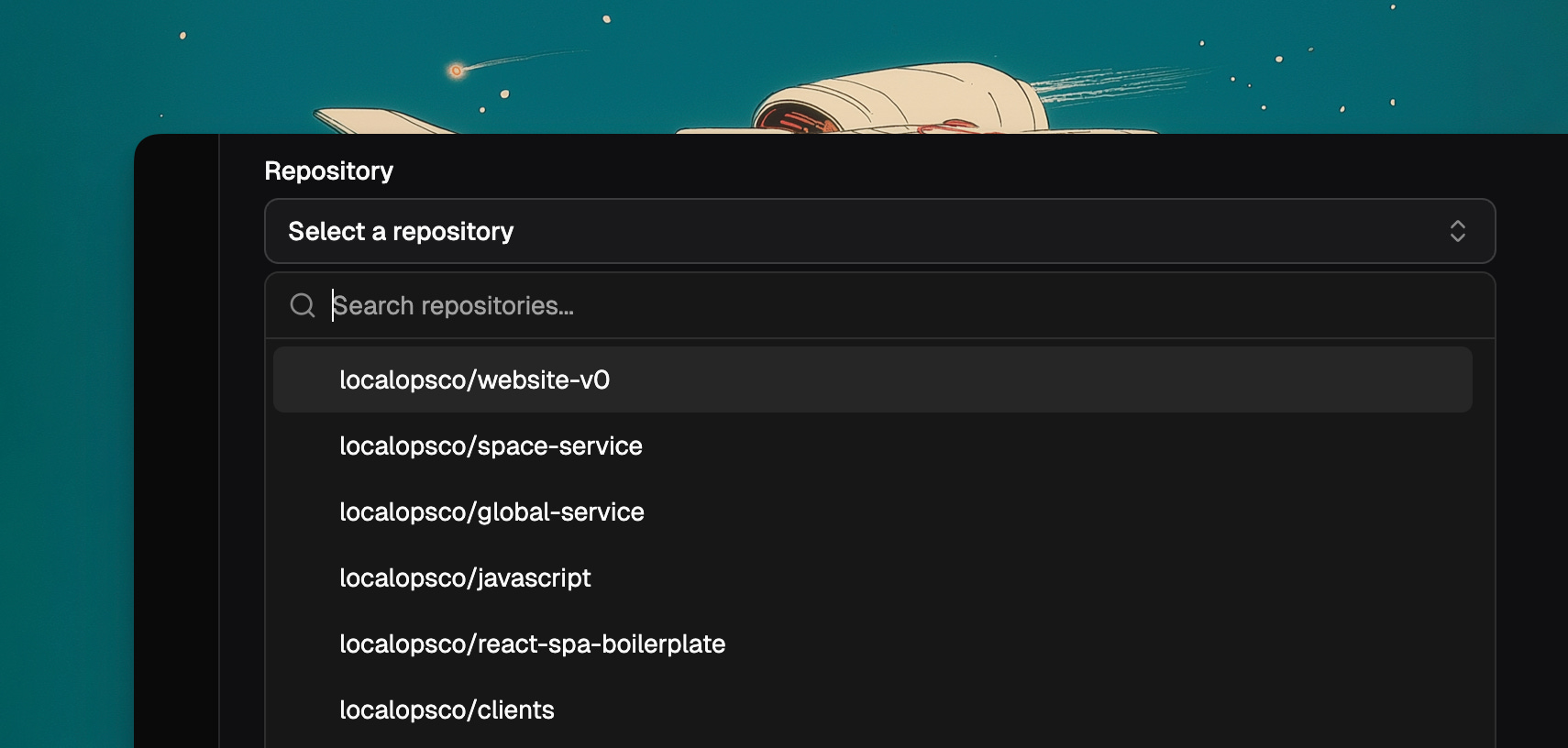
New search bar in service selection menu
Handy if you have too many repos in your org ;)
SSL passthrough:
Instead of letting platform’s inbuilt nginx ingress handle SSL termination, your services can handle 443/SSL connections directly and terminate connections. Highly useful in mTLS use cases. Just pass this option in your “ops.json” configuration and Nginx will pass through SSL requests/connections directly to your service.
{
  "ssl_passthrough": true
}
Scale down to zero for services:
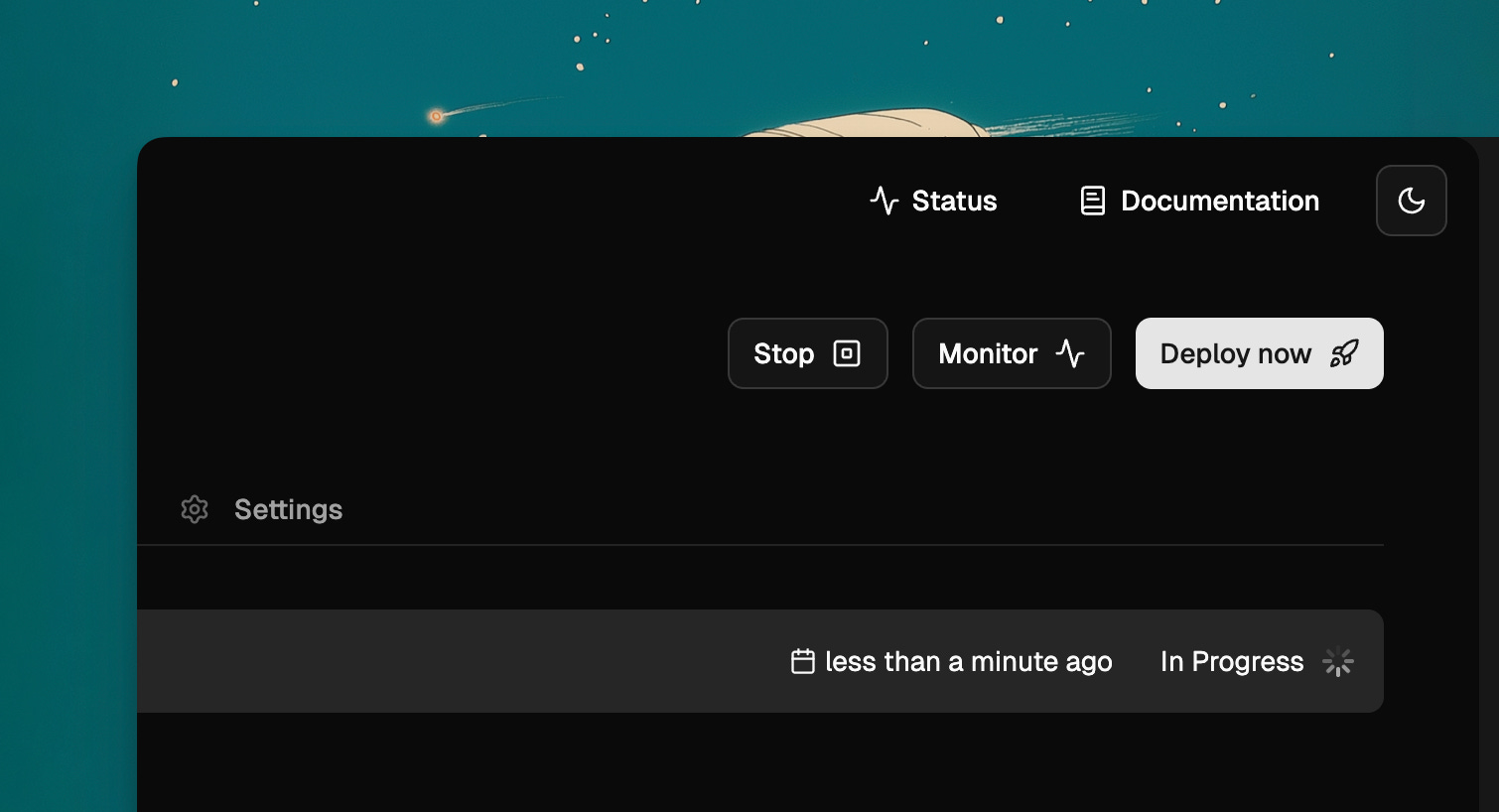
Now you can set 0 as the replica count in scaling tab. This will stop all your service’s running containers.
Stop button:
There is a new stop button on top right corner of your service. It does the same thing - set replica count to 0.
Deletion protection for services
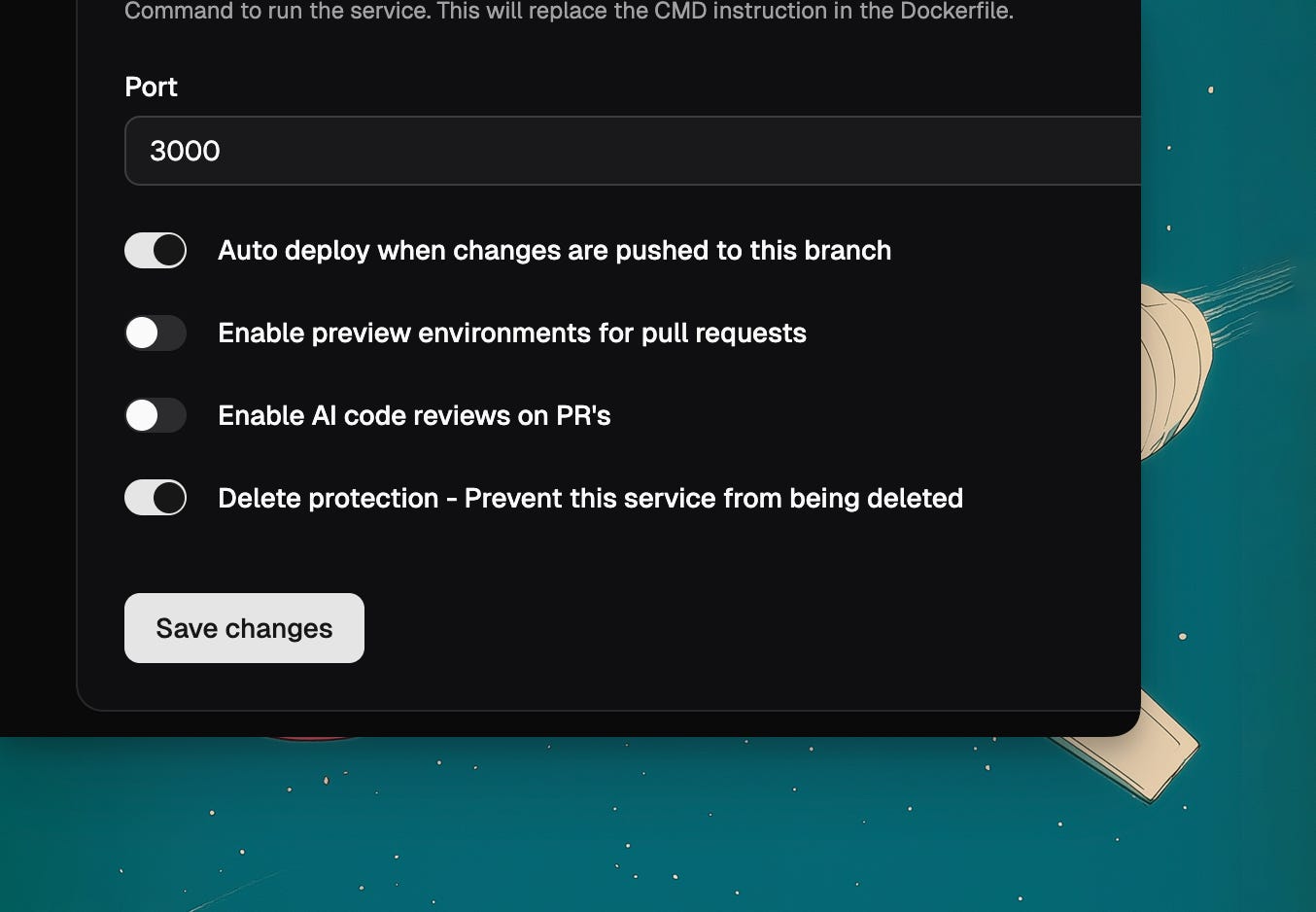
Say you have critical services in your environment that when deleted can cause serious downtime or data loss. For eg. you have defined RDS instances as dependencies and they are owned by a service but used by other services, it is a good idea to ensure that that service is not deleted for any reason.
You can then turn on “Delete protection” under service settings. And it will prevent anyone from deleting the service without turning off this setting.
To learn more about our releases in realtime, follow our change log here at: https://docs.localops.co/changelogs/2026
Public roadmap:
We made our roadmap public here: https://github.com/orgs/localopsco/projects/9 so teams using us know what we’re exploring or working on.
Get started with LocalOps for free at https://console.localops.co/signup and start deploying on your own AWS account(s) or your customer’s AWS account in under 30mins.
If you like to get your account setup, schedule a time to talk with us: https://go.localops.co/tour
Cheers.